Readers step back from Kindle for many reasons: a wish to support other booksellers, frustration at being tied to one company, a move to a Kobo, or simply wanting more choice. Whatever your reason, the key is to do it calmly. There's no need to switch overnight, and no need to lose anything you've paid for.
This guide gives you a plan: what to keep, what to download, where to buy next, and how to organize a library that's genuinely yours.
Step 1: understand what you own
| What's in your Kindle library | What happens if you stop using Kindle |
|---|---|
| Books you bought | Stay in your account; read them in Kindle apps or Kindle for web |
| Kindle Unlimited loans | Returned when your subscription ends |
| Prime Reading loans | Tied to your Prime membership |
| Eligible DRM-free titles | Can be downloaded as EPUB or PDF |
| Your own documents sent to Kindle | Keep your original files; they're yours |
| Highlights and notes | Viewable in Amazon's notebook; save the ones you want |
Step 2: download what you can
Since January 20, 2026, Amazon lets readers download some Kindle books as EPUB or PDF files. It applies to books whose authors publish them without DRM and have enabled downloads. If you bought such a book, you'll find the download option in Manage Your Content and Devices on Amazon's website.
Not every book qualifies. Many are still sold with DRM, and older DRM-free titles only qualify if their authors opted in. Still, it's worth checking your library: for any eligible book, download the EPUB and keep it in a folder you control.
Note that this is different from the old "Download and Transfer via USB" option, which Amazon removed in early 2025.
Checking your library for downloadable books
- Sign in to Amazon on a computer.The download option is on the website, not in the Kindle app.
- Open Manage Your Content and Devices.It lists every Kindle book you own.
- Check each book's options.Eligible titles offer an EPUB or PDF download.
- Download and file it.Save it to your library folder straight away, named clearly.
If you have hundreds of books, start with your favorites and the series you're still reading. Indie-published books are more likely to qualify than big-publisher titles, because their authors control the DRM setting.
Step 3: save your highlights and notes
If you've highlighted books for years, those notes can matter as much as the books. Amazon's Kindle notebook page shows your highlights and notes by book. Copy or export the ones you care about into a document or notes app before you move on. Some publishers limit how much can be exported, so do it book by book for the ones that matter most.
Step 4: choose where you'll read next
| If you read mostly on... | Consider |
|---|---|
| An e-ink reader | Kobo, which opens DRM-free EPUBs and has library borrowing built in |
| An iPhone or iPad | Apple Books, or a browser reader |
| An Android phone | Google Play Books, or a browser reader |
| Several devices, including a work computer | A browser reader such as Oasis Reader |
| Library books | Libby |
Compare the e-ink options in Kindle vs Kobo and the wider field in Kindle alternatives.
Step 5: choose where you'll buy
Most readers settle on two or three places to buy. A good mix covers the big releases, the independent books you care about, and free borrowing.
| Store | Why add it |
|---|---|
| Kobo | A big catalog and e-ink readers |
| Bookshop.org | Ebooks that support independent bookshops |
| Smashwords Store | DRM-free ebooks from independent authors |
| BooksOasis | Independent authors and small presses, daily deals, series bundles, reading in any browser |
| Libby | Free library loans |
More options in independent ebook stores and how to buy ebooks without Amazon.
Where BooksOasis fits
BooksOasis is an independent bookstore for ebooks, paperbacks and hardcovers. Its ebooks open in Oasis Reader in any modern browser, so you can read on the phone, tablet or laptop you already have, including any device that still has your Kindle app.
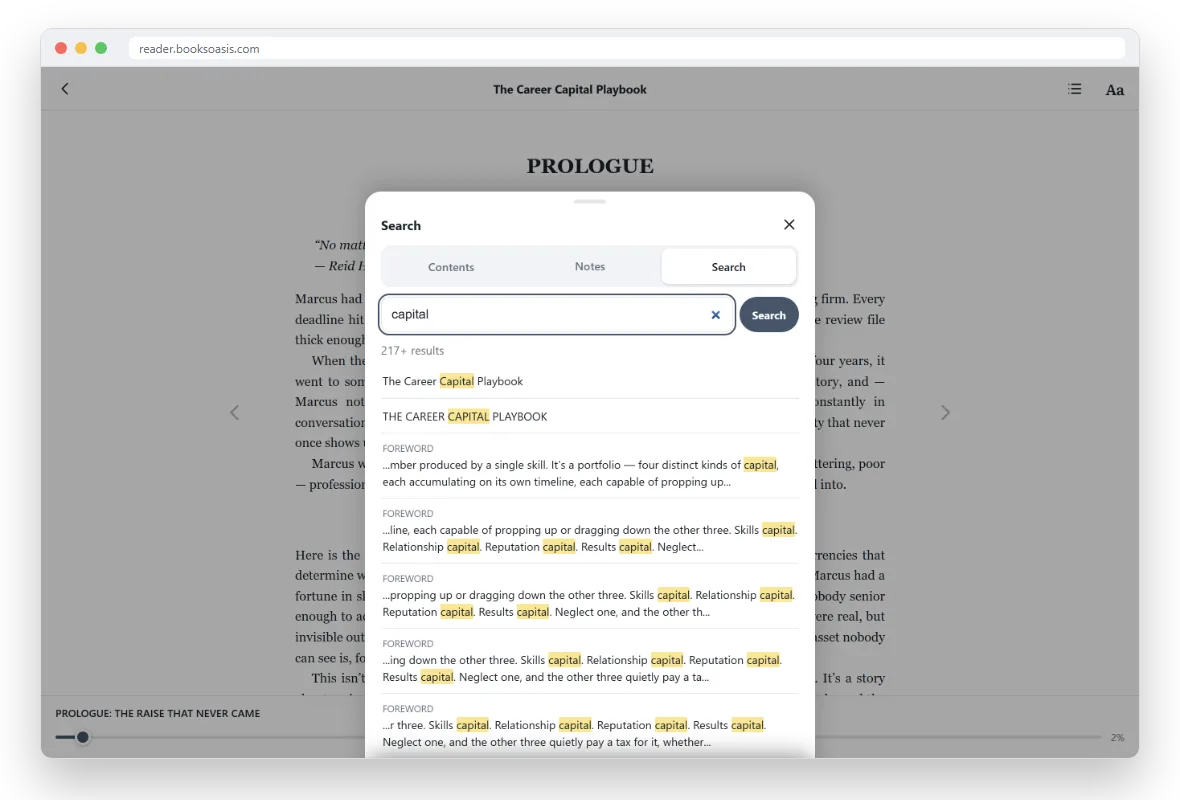
- Nothing to install: add it to your home screen if you like.
- Offline: download a book once and read without a connection.
- Highlights and notes that follow you between devices.
- Deals: a daily deal, weekly offers and series bundles.
What BooksOasis does not do
- It can't import your Kindle books or highlights.
- It doesn't send books to Kindle, Kobo or Nook e-readers.
- It has no subscription like Kindle Unlimited.
- Its catalog is smaller than Amazon's, focused on independent authors and small presses.
Step 6: organize your new library
- Make one list.A notes app or spreadsheet with each book, format and store.
- Keep one folder for files.All DRM-free EPUBs and PDFs in one place, named author, title, series number.
- Back it up.A cloud drive or external disk.
- Consider Caliber.A free desktop app that organizes files and sends them to e-readers.
- Note your accounts.Which email you used for which store.
If you're leaving Kindle Unlimited
Kindle Unlimited loans disappear when you cancel, so finish what you're reading first and note any series you want to continue. Then decide how you'll read in future: buy the books you love, borrow through Libby, or try another subscription such as Kobo Plus. Our Kindle Unlimited alternatives guide compares the costs.
A gradual switch works best
You don't need to move everything at once. A realistic timeline:
| When | What to do |
|---|---|
| Week 1 | Save highlights; download eligible DRM-free books |
| Week 2 | Pick your reading device or app; set up reading comfort |
| Month 1 | Buy your next book from a new store |
| Months 2 to 3 | Settle on two or three stores; set up Libby |
| Ongoing | Finish old Kindle books in the Kindle app at your own pace |
If you also use Audible
Audible is a separate service from Kindle. Audiobooks you bought there stay in your Audible library whatever you do with Kindle. If you want to move your listening too, Kobo sells audiobooks, Libby lends them free, and Libro.fm sells them while sharing proceeds with independent bookshops. Some readers keep Audible for listening and move only their reading, which is perfectly sensible.
Setting up comfortable reading in a new app
The Kindle app becomes familiar over years, so a new app can feel strange for the first week. Take five minutes to set it up the way you like:
- Theme: Light for daytime, Sepia or Dark for evenings.
- Text size: one step larger than you think you need.
- Font: try a serif font for long reading; many people find it calmer.
- Spacing and margins: a little extra line spacing helps on phones.
- Page turns: tap or swipe, whichever feels natural.
Oasis Reader keeps these settings on each device, so your phone and laptop can each be set up differently. More in reading ebooks on your phone and highlights and notes.
Three readers who moved on
A teacher who wanted e-ink without Amazon bought a Kobo, copied across the handful of Kindle books that had become downloadable as EPUB, and kept the Kindle app on her phone for the rest. New books now come from Kobo and the library.
A businessman who reads on flights and in hotels kept his Kindle library for older books and started buying new ones from BooksOasis, reading in the browser on his laptop and phone, with every book kept on both for offline reading.
A retired couple canceled Kindle Unlimited after realizing they read two books a month between them. They now borrow through Libby and buy the books they want to keep, and spend less than before.
Reading as a family after Kindle
If your household shared a Kindle family library, remember that shared access depends on those Amazon settings. Before changing anything, agree as a family which books matter most and where each person will read in future. Many families end up with a mix: one person on a Kobo, another on a phone, and everyone with their own library card in Libby.
Common worries
| Worry | Reality |
|---|---|
| "I'll lose everything" | Purchases stay in your account while it's open |
| "My series are all on Kindle" | Finish them there, and start new series elsewhere |
| "Other apps won't be as good" | Most offer themes, fonts, offline reading and highlights |
| "I'll pay more" | Deals, bundles and Libby often cost less than a subscription |
| "It's complicated" | One list, one folder and two or three stores keep it simple |
Books to start your new library
The bottom line
Starting a new ebook library after Kindle is less a clean break than a gentle widening. Keep your Amazon account for the books you own, save your highlights, download any eligible EPUBs, and buy new books from stores that give you more choice. Within a few months you'll have a library spread across places you picked, organized in a way you control.
Questions
Do I lose my Kindle books if I stop using Kindle?
No. Your purchases stay in your Amazon account and can be read in the Kindle apps, Kindle for web or a Kindle e-reader as long as your account is open.
Can I download my Kindle books as EPUB?
Only some. Since January 20, 2026, Kindle books that authors have set as DRM-free and enabled for download can be downloaded as EPUB or PDF from Manage Your Content and Devices, by readers who bought them.
Can I still download Kindle books to my computer by USB?
Amazon removed the Download and Transfer via USB option in early 2025. The EPUB and PDF downloads for eligible DRM-free titles are a separate, newer feature.
What is the best Kindle alternative?
Kobo is the most popular e-ink alternative. For phones and computers, Apple Books, Google Play Books and browser readers like Oasis Reader all work well.
Can I cancel Kindle Unlimited without losing my purchases?
Yes. Kindle Unlimited loans are returned when you cancel, but books you bought stay in your library.
Should I delete my Amazon account?
Not if you want to keep reading the books you bought. Closing an Amazon account removes access to your Kindle library.
Can I read Kindle books on a Kobo?
Kindle books with DRM can't be opened on a Kobo. DRM-free titles you download as EPUB can be copied to a Kobo.
Where do BooksOasis ebooks fit in?
BooksOasis is an independent store whose ebooks open in Oasis Reader in any browser, so it works on the phone, tablet and computer you already have alongside your Kindle library.
How do I keep track of books across stores?
Keep a simple list of what you own and where, plus a backed-up folder of any DRM-free files. Caliber can organize files on a computer.
Can I move my highlights from Kindle?
You can view and export many Kindle highlights from Amazon's notebook page, subject to publisher limits. Save them before you move on.
Can I keep my Kindle e-reader and buy books elsewhere?
Yes. A Kindle can still open DRM-free EPUBs you send it with Send to Kindle, and you can read other stores' books on your phone or computer. Many readers use a Kindle for old books and another app for new ones.
Do I need to switch all at once?
No. A gradual move works best: save highlights and eligible downloads first, then buy your next book elsewhere, and finish your existing Kindle books at your own pace.
Start your new library today
Buy an ebook and read it in any browser, on any phone, tablet or computer.