Reviews and ratings
Who can review a book, how star ratings are shown, how to edit, delete or report a review, and the one email we send asking how your books were.
Who can write a review
Reviews on BooksOasis come from readers who bought the book. To review one, you need to:
- Be signed in with your booksoasis.com reader account.
- Have bought the book, in any format, in an order that wasn't refunded.
Authors can't review their own books, and accounts on the publisher site can't write reviews. Every review shows a Verified Purchase label, because every reviewer has bought the book.
Write a review
Open the book's page and scroll down to Customer Reviews. If you bought the book, you will see a Write a review form.
- Choose a rating from 1 to 5 stars. This part is required.
- Add a few words about what you thought, if you like. Comments can be up to 2,000 characters.
- Select Submit Review.
You can write one review per book. It appears with the name on your account and the date you posted it. Please keep it to your honest opinion of the book; reviews that break our Terms may be removed.
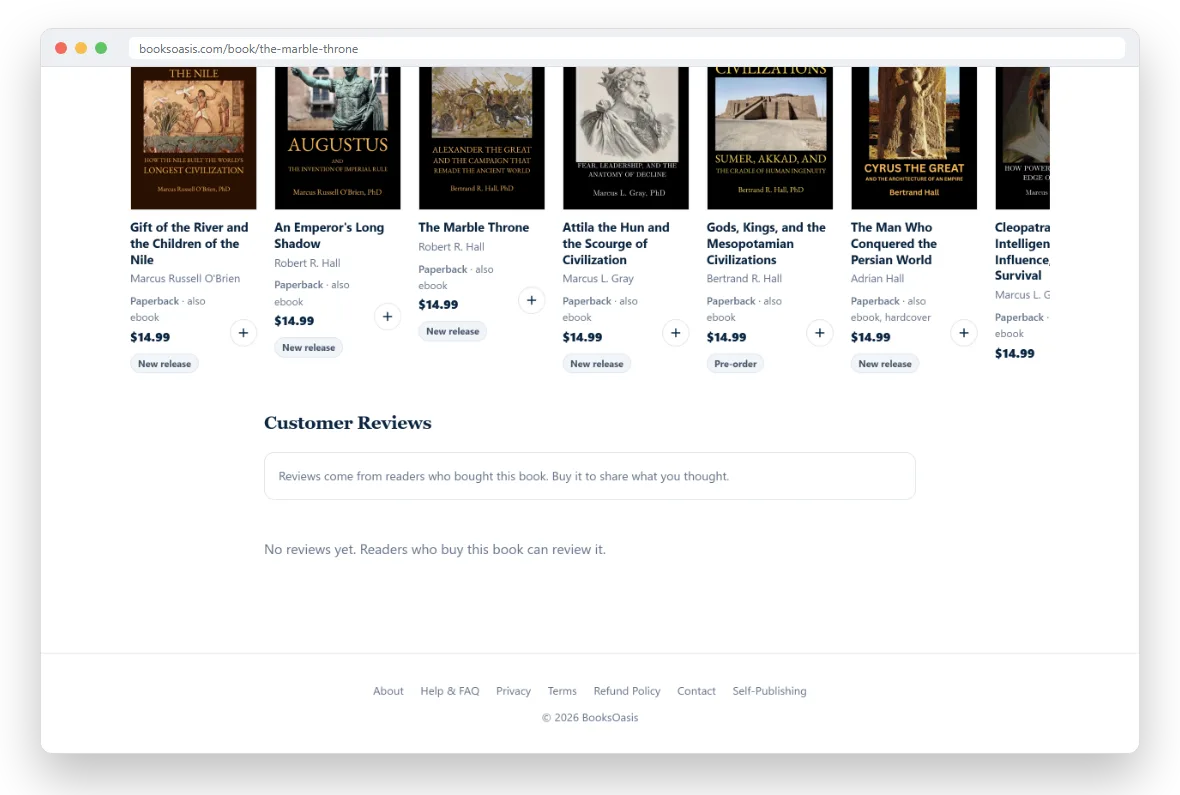
How star ratings are shown
A book shows its stars, its average to one decimal place and the number of ratings from its first rating onward. Every rating comes from a reader who bought the book, with or without a written review. Until a book has a rating:
- A book in its first 7 days on sale shows a New release label, and a book that isn't out yet shows Pre-order.
- Otherwise its page invites you to be the first to review it.
The Top rated sort on the Browse page puts rated books first, highest average first.
Rate a book in one tap
You don't have to write anything to rate a book. Tap the stars next to it in My Library, or in Oasis Reader when you reach the end of the book or open its details. You can change your rating any time, and it never replaces a review you have already written.
Edit or delete your review
Go back to the book's page. Where the form was, you will now see Edit your review with your rating and comment filled in.
- Change the stars or the text and select Update Review.
- Select Delete to remove your review completely.
Report a review
If a review looks fake, abusive or off-topic, sign in and select Report under it. You can add a short reason, or leave it blank. Our team looks at every report. You can report each review once.
Review request emails
About a week after you could start reading, we send one email asking how your books were:
- For ebooks, about a week after you bought them.
- For print books, about a week after delivery, or three weeks after shipping if we don't hear that it was delivered.
We send at most one of these per order, only for books you haven't reviewed yet, and never for a book that isn't released. Tap a star in the email to open the book page with that rating already picked, add a few words if you want, and submit.
Finished a good book lately?
A short review helps other readers choose, and means a lot to independent authors.