Your account and signing in
Creating a reader account, signing in with a password or a one-time code, resetting or changing your password, and how the store and the publisher site keep separate accounts.
Create a reader account
You can create your account on the Create an account page, or as part of checkout when you buy your first book. Either way you need:
- Your full name
- Your email address
- A password with at least 8 characters, including an uppercase letter and a number
There is an optional, unticked box for occasional offer emails. Tick it only if you want them. We send you a welcome email, and you land in your library, ready to go.
Sign in with your password
Go to Sign In, enter your email and password, and select Sign In. Use Show to check what you typed. If the details don't match, you will see "Invalid email or password." For your security, the message doesn't say which of the two was wrong.
Sign in with a one-time code
Don't want to type a password? Sign in with a code sent to your email instead.
- On the Sign In page, select Use a one-time code.
- Enter your email address and select Send me a code.
- Check your inbox for a 6-digit code and type it in.
The code works for 10 minutes and can only be used once. After five wrong attempts it stops working, so request a new one. To protect your privacy, the page always says a code is on its way, whether or not an account exists for that email.
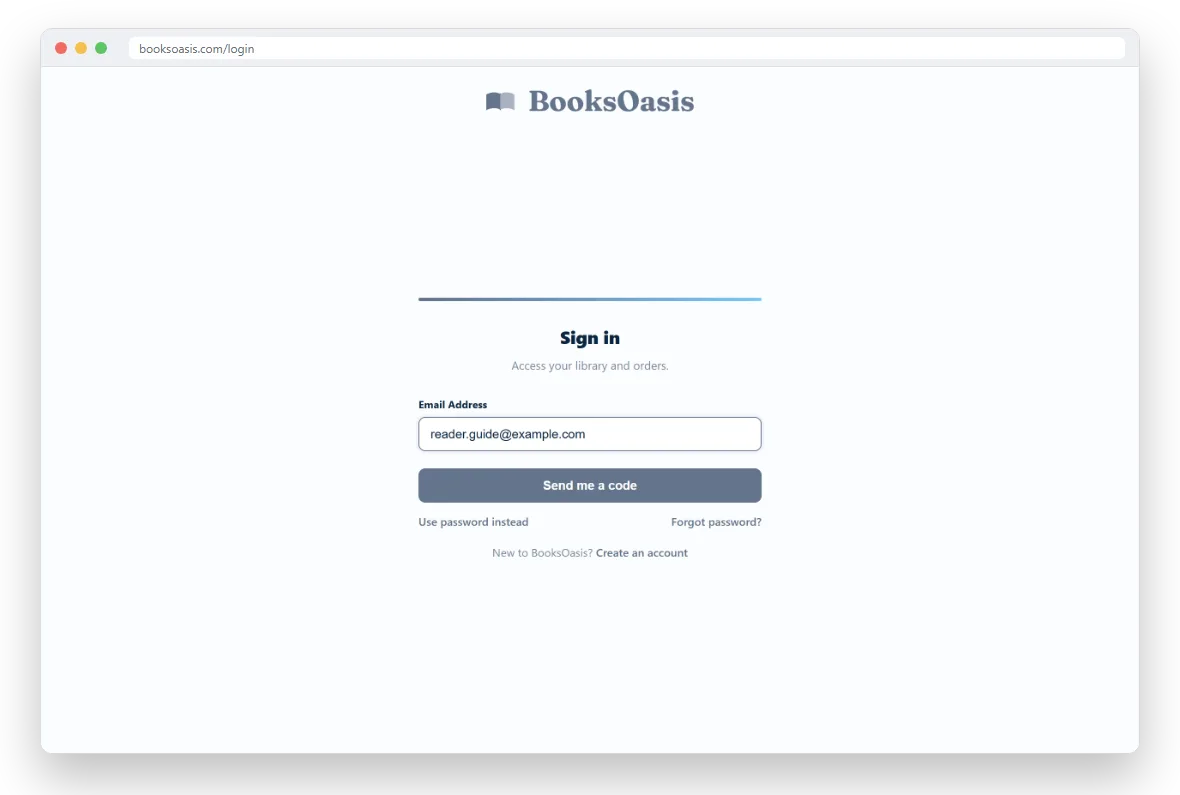
Forgot your password?
Select Forgot password? on the Sign In page and enter your email. If there is an account for it, we email you a link to choose a new password. The link works for one hour and only once. If it has expired, just ask for a new one.
Your new password needs at least 8 characters, including an uppercase letter and a number. Resetting your password signs you out on every device, so sign in again with the new one. We also email you to confirm the password was changed.
Change your password
Signed in and want a new password? Open My Library, go to the Account tab and find Password. Enter your current password and your new one. The new password must be different from the old one and follow the same rules.
- You stay signed in on the device you are using.
- Every other device is signed out, so anyone else using your account is locked out.
- We email you to say your password was changed, with a link to reset it if the change wasn't you.
Update your name or email
On the same Account tab, the Profile card lets you change the name and email address on your account. Your name is also the name shown on any reviews you write.
The store and the publisher site use separate accounts
BooksOasis has two sites: booksoasis.com, where readers buy and read books, and publish.booksoasis.com, where authors and publishers list them. Each site has its own accounts, even when you use the same email address on both.
- You can have one account on each site with the same email, and each has its own password.
- Signing in on one site doesn't sign you in on the other.
- Books are bought with a reader account on booksoasis.com. Publishing accounts can't buy books.
Sign out
Select Sign Out at the top of your library page. On a shared or public computer, always sign out when you are done.
New to BooksOasis?
Create a free reader account in under a minute.